topic_palette() returns n colors that distinguish topics in plots, from
the HCL palette "Dark 3", through
grDevices::hcl.colors(n, palette = "Dark 3"). Topics are unordered
categories, so their colors should differ in hue without suggesting that one
topic matters more than another; qualitative palettes from the HCL color
space hold lightness and chroma fixed and vary hue only, which serves that
purpose.
It is the default of the colors argument of plot.sbert_topic_model().
Hues alone can be hard to tell apart for readers with color-vision
deficiency; the plots therefore also label each topic by number and name. To
use other colors, for example the Okabe-Ito palette from
grDevices::palette.colors(), pass them to colors.
See also
plot.sbert_topic_model(), which uses the palette.
Examples
topic_palette(6)
#> [1] "#E16A86" "#B88A00" "#50A315" "#00AD9A" "#009ADE" "#C86DD7"

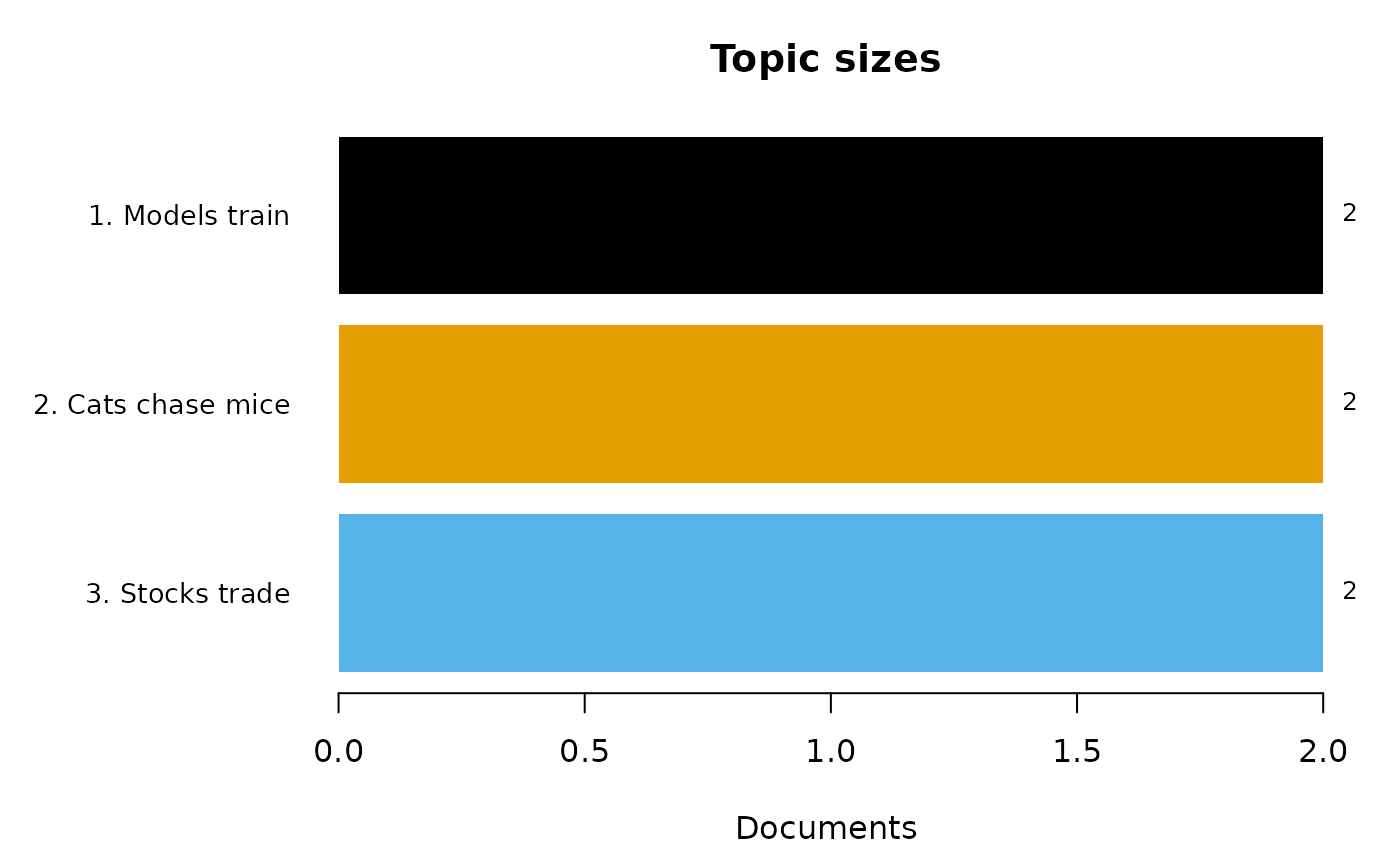
# The Okabe-Ito colors instead, for a toy model of three topics.
text <- c("Cats chase mice", "Dogs chase balls", "Stocks trade",
          "Markets price shares", "Nets learn", "Models train")
embeddings <- rbind(c(1, 0, 0), c(0.9, 0.1, 0), c(0, 1, 0),
                    c(0.1, 0.9, 0), c(0, 0, 1), c(0.05, 0, 0.95))
toy_model <- topics(text, 3, embeddings = embeddings)
plot(toy_model, type = "sizes",
     colors = grDevices::palette.colors(3, palette = "Okabe-Ito"))