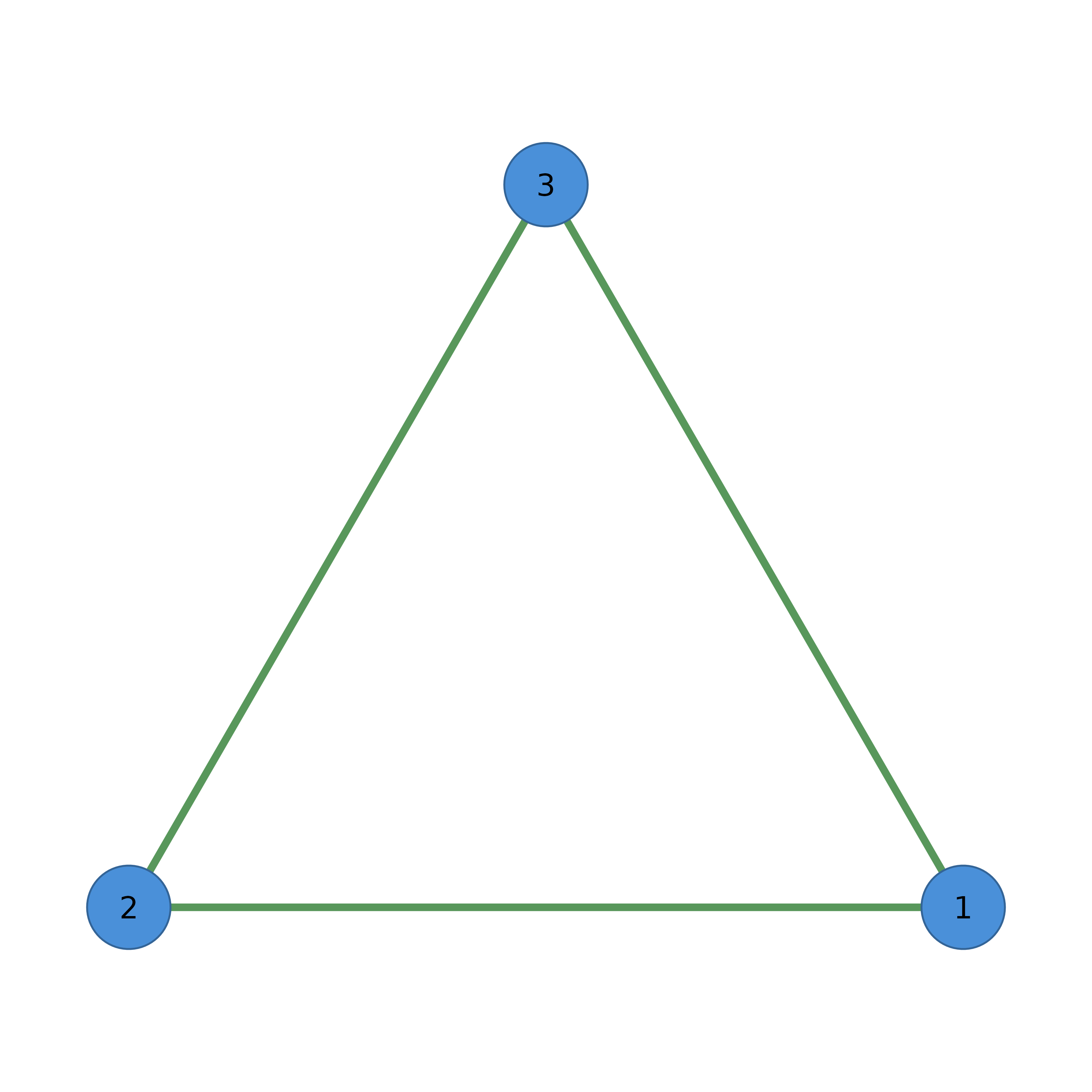
Apply a layout algorithm to compute node positions.
Arguments
- network
A cograph_network object, matrix, data.frame, or igraph object. Matrices and other inputs are auto-converted.
- layout
Layout algorithm name (see Details), a two-letter or full igraph layout name, an igraph layout function, a
CographLayoutobject, or a coordinate matrix / data frame with one row per node andx,yin its first two columns. Anything else is an error.- seed
Random seed for deterministic layouts. Default 42. Set NULL for random.
- ...
Additional arguments passed to the layout function.
Details
Built-in Layouts
"spring"Force-directed layout (Fruchterman-Reingold).
"oval"/"ellipse"Nodes arranged around an ellipse.
"circle"Nodes arranged in a circle.
"groups"Circular layout with grouped nodes clustered together.
"grid"Nodes in a regular grid.
"random"Random positions.
"star"Central node with others arranged around it.
"bipartite"Two-column layout for bipartite networks.
"gephi"/"gephi_fr"Gephi-style force-directed layout.