Skip to contents

Apply a visual theme to the network.

Usage

sn_theme(network, theme, ...)

Arguments

network

A cograph_network object, matrix, data.frame, or igraph object. Matrices and other inputs are auto-converted.

theme

Theme name (string) or CographTheme object.

...

Additional theme parameters to override.

Value

Modified cograph_network object.

Details

Available Themes

classic

Default theme with white background, blue nodes, gray edges.

dark

Dark background with light nodes. Good for presentations.

minimal

Subtle styling with thin edges and muted colors.

colorblind

Optimized for color vision deficiency.

grayscale

Black and white only.

vibrant

Bold, saturated colors.

Use list_themes() to see all available themes.

See also

cograph for network creation, sn_palette for color palettes, sn_nodes for node customization, sn_edges for edge customization, list_themes to see available themes, splot and soplot for plotting
Examples

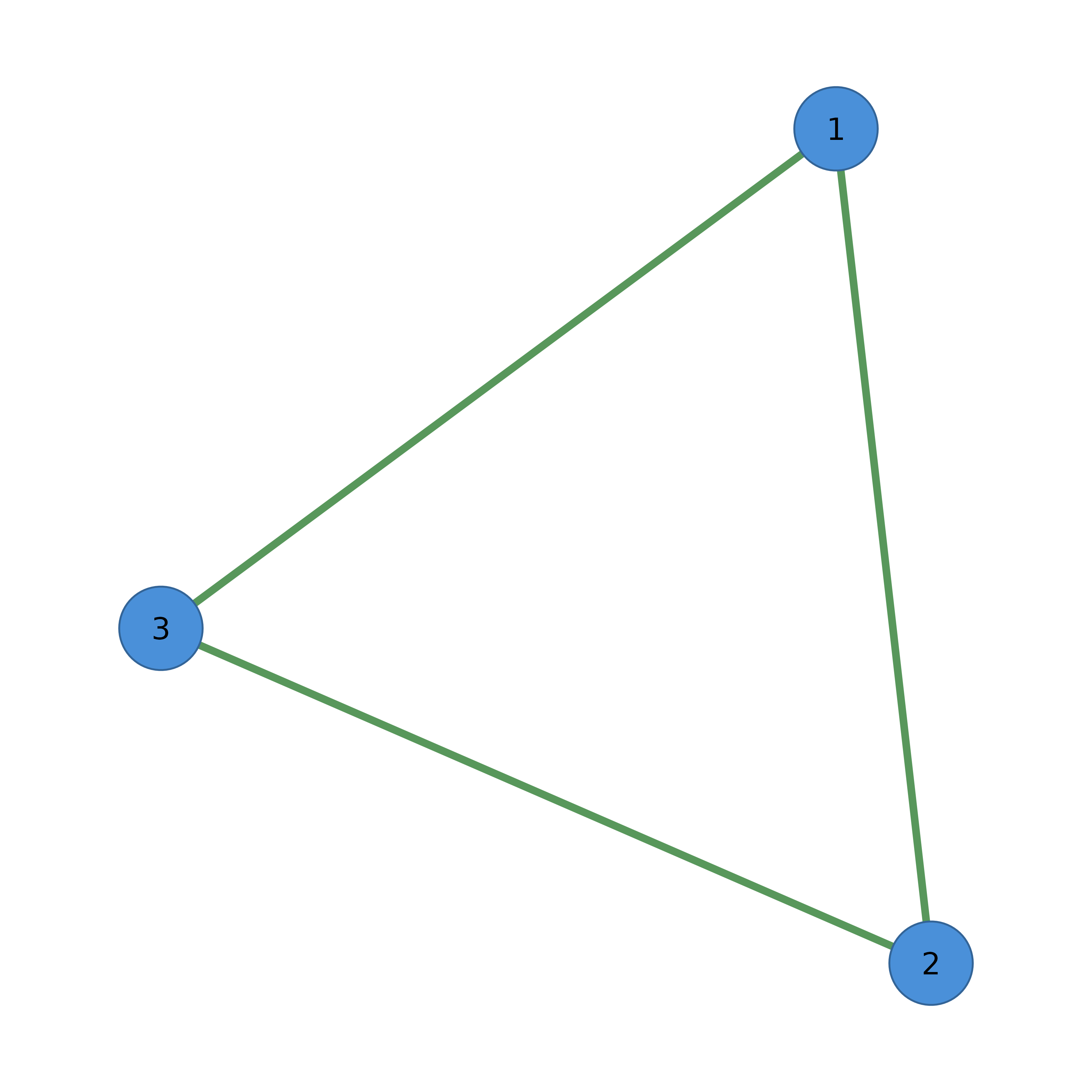
adj <- matrix(c(0, 1, 1, 1, 0, 1, 1, 1, 0), nrow = 3)

# Apply different themes
cograph(adj) |> sn_theme("dark") |> splot()

cograph(adj) |> sn_theme("minimal") |> splot()

# Override specific theme properties
cograph(adj) |> sn_theme("classic", background = "lightgray") |> splot()

# Direct matrix input
adj |> sn_theme("dark")
#> Cograph Network
#> ==============
#> Nodes: 3 
#> Edges: 3 
#> Directed: FALSE 
#> Weighted: FALSE 
#> Layout: computed 
#> Theme: dark 
#> 
#> Use plot() or sn_render() to visualize
#> Use sn_ggplot() to convert to ggplot2